- How Do You Create Animated Video Ads for Facebook and Instagram?
 To create animated video ads for Facebook and Instagram, start with one clear marketing objective, identify the audience, write a short benefit-focused script, and use engaging animation to demonstrate why your product or service matters. Capture attention in the opening seconds, communicate one main benefit, and finish with a clear call to action. Create versions…
- How Can You Turn Customer Questions Into Animated FAQ Videos?
 You can turn customer questions into animated FAQ videos by collecting the questions people ask most often, grouping them by topic, writing short question-and-answer scripts, and illustrating each answer with simple animated scenes. Start with one frequently asked question per video, give viewers a direct answer immediately, and use characters, demonstrations, and visual examples to…
- How Do You Plan a Consistent Weekly Animated Video Content Calendar?
 To plan a consistent weekly animated video content calendar, choose a realistic publishing schedule, define a content theme for each day, prepare several scripts in advance, and organize production into repeatable weekly steps. The key is to build a system you can maintain rather than creating videos randomly whenever inspiration strikes. An AI-assisted animation platform…
- How Can You Make Animated Videos for Different Languages and Audiences?
 You can make animated videos for different languages and audiences by adapting the script, translating and reviewing the dialogue, choosing appropriate voiceovers, and adjusting characters, examples, humor, and visuals to fit each audience. The most effective approach is to create one clear master message, then produce localized versions rather than simply translating the same video…
- How Do You Write a Short Cartoon Video Script That Keeps Viewers Watching?
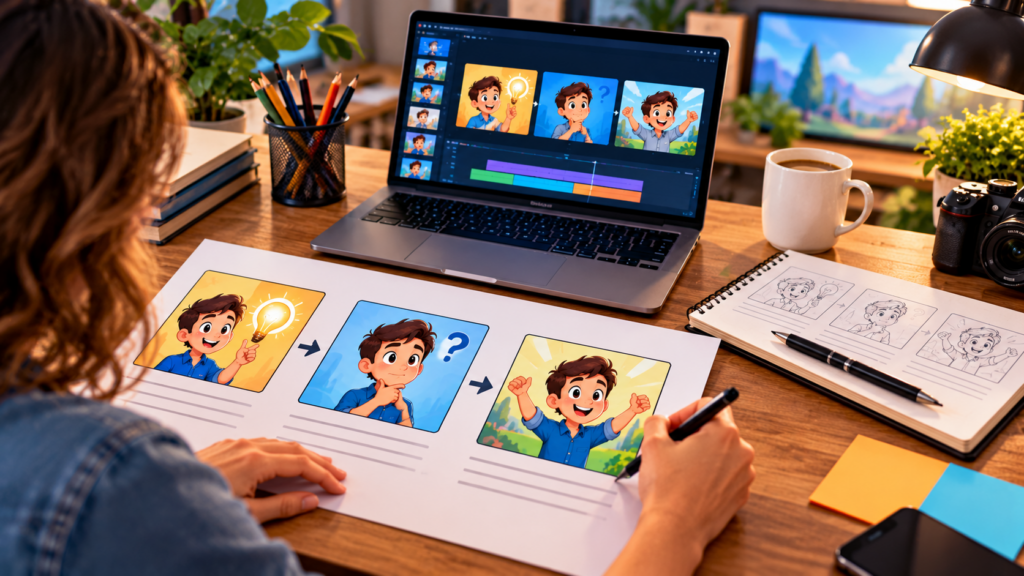 To write a short cartoon video script that keeps viewers watching, start with an attention-grabbing opening, introduce a relatable problem, build a simple story around it, deliver a clear payoff, and finish with one specific call to action. Keep the dialogue conversational, make every scene contribute to the story, and avoid unnecessary explanations. Whether you…
- How Can a Small Business Create a Memorable Animated Brand Mascot?
 A small business can create a memorable animated brand mascot by designing a character that reflects its brand personality, appeals to its target audience, and communicates a recognizable message across marketing channels. You do not need professional illustration or animation skills to get started. With an AI-powered animation tool such as RocketToons AI, you can…
- How Do You Add an Animated Video to a Website Landing Page?
 You can add an animated video to a website landing page by uploading it to a suitable video hosting platform or your website’s media library, then embedding it in the page using the available video block or embed code. Place the video where visitors can easily see it, usually near the main headline or offer,…
- How Can You Turn One Animated Video Into Content for Multiple Social Platforms?
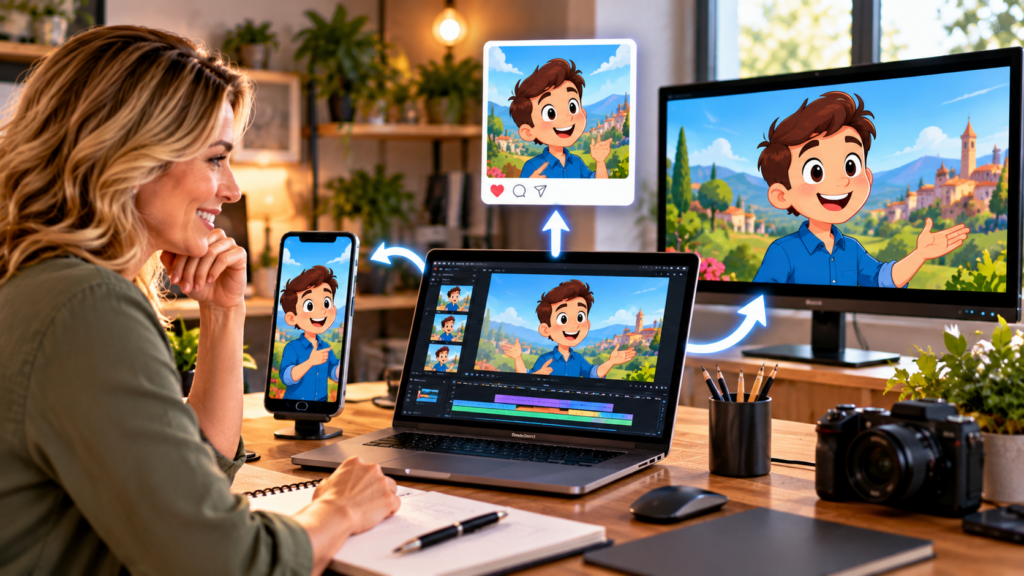 You can turn one animated video into content for multiple social platforms by creating a main video, then repurposing its scenes, key messages, and important moments into shorter clips, vertical videos, square posts, GIF-style previews, and image-based content. This approach helps you reach different audiences without creating every piece of content from scratch. An AI…
- Can You Use Animated Videos in Email Marketing to Get More Clicks?
 Yes, you can use animated videos in email marketing to get more clicks by making your message more engaging, demonstrating your offer visually, and giving subscribers a compelling reason to visit your website or landing page. Animated videos can help explain products, introduce services, showcase benefits, and bring promotional emails to life. You can create…
- How Do You Create Animated Employee Training Videos for a Small Business?
 A small business can create animated employee training videos by turning its workplace procedures, policies, and job instructions into short visual lessons using AI-powered animation tools. You do not need a professional animation team or advanced editing skills: write a clear training script, divide it into simple scenes, add characters and narration, and use a…
- How Can Teachers Create Animated Educational Videos Without Animation Skills?
 Teachers can create animated educational videos without animation skills by using AI-powered video creation tools that turn lesson ideas and scripts into animated scenes, characters, and narrated videos. You simply choose a learning objective, write a clear explanation, organize it into short visual scenes, and use a tool such as RocketToons AI to help bring…
- How Do You Make an Animated Explainer Video for a Business?
 You can make an animated explainer video for a business by turning one clear customer problem into a short, engaging story, then using animated scenes, characters, voiceovers, and simple visuals to explain how your product or service solves it. You do not need professional animation skills or a production studio to get started. An AI…
- How to Create Multilingual Video Content With ViralForge AI
 To create multilingual video content with ViralForge AI, start with one clear video concept, adapt the script for each target language, and review the translated narration, captions, and visuals before publishing. ViralForge’s described workflow supports adapting content for different languages and generating variations, helping creators prepare short-form videos for broader audiences. If you want to…
- How to Write Better Video Hooks and Scripts With ViralForge AI
 To write better video hooks and scripts with ViralForge AI, start with a specific audience problem, create an opening that promises a clear benefit, and structure the script around one useful takeaway. ViralForge can help you explore creative angles and generate variations of hooks, captions, and on-screen text, making it easier to test different approaches…
- ViralForge vs Manual Video Creation: Which Workflow Saves More Time?
 ViralForge can save more time than manual video creation when you need to produce multiple short-form videos, test creative variations, and organize a repeatable publishing workflow. Manual creation can be more suitable when a video requires detailed editing, custom storytelling, or precise creative control. The best choice depends on your content volume, skills, and production…
- How to Choose the Right Video Niche and Topics With ViralForge
 To choose the right video niche and topics with ViralForge, focus on a specific audience, identify the problems they want to solve, and select topics you can cover consistently with useful, original content. ViralForge AI can support this process by helping you explore video concepts, analyze creative approaches, and develop variations with different hooks, captions,…
- How to Measure Video Performance With ViralForge: Metrics That Matter
 To measure video performance with ViralForge, track audience retention, watch time, engagement, clicks, and conversions alongside the results of your different video variations. These metrics help you understand which topics and creative approaches attract attention, keep viewers watching, and encourage meaningful action. ViralForge AI can support a more organized short-form video workflow, while platform analytics…
- How to Build a Weekly Video Content Calendar With ViralForge
 To build a weekly video content calendar with ViralForge, choose your content themes, assign a clear purpose to each video, create variations around your best ideas, and schedule production and publishing across the week. ViralForge AI can help streamline this process with creative discovery, video variation tools, and supported publishing workflows, making it easier to…
- How to Use ViralForge for Local Business Video Marketing
 To use ViralForge for local business video marketing, create short videos that showcase your services, demonstrate products, answer common customer questions, and highlight what makes your business useful to the local community. ViralForge AI can help streamline this process by supporting video idea discovery and generating variations with different hooks, captions, and on-screen text. If…
- How to Create Product Demo Videos With ViralForge AI
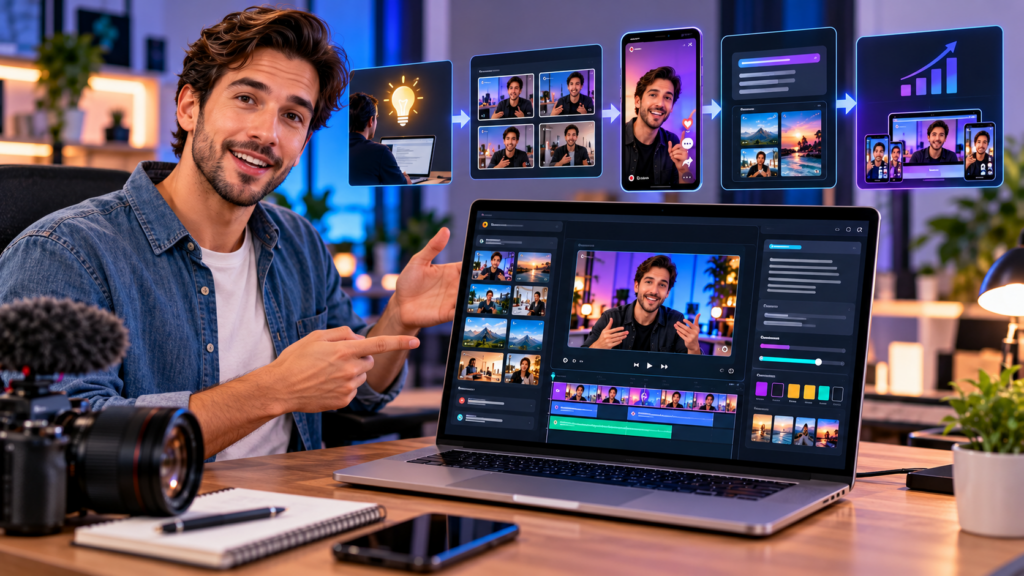 To create product demo videos with ViralForge AI, start by identifying the product’s main benefit, build a short demonstration around one customer problem, and use AI-assisted video variations to test different hooks, captions, visuals, and calls to action. ViralForge can help organize this process so marketers and creators can produce product-focused short-form content without building…
- ViralForge for TikTok and Instagram Reels: How to Adapt Videos for Each Platform
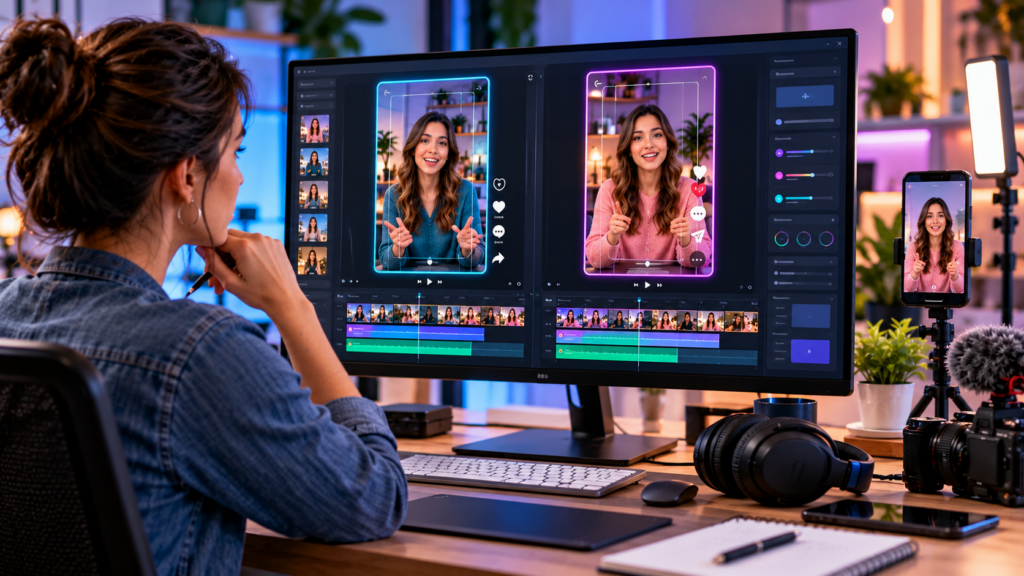 To adapt videos for TikTok and Instagram Reels with ViralForge, create a strong core video concept, then tailor its hook, pacing, captions, visuals, and call to action to each platform. ViralForge AI can help streamline this process by generating creative variations and adapting content for different audiences, making it easier to repurpose ideas without publishing…
- How to Repurpose One Video Into Multiple Clips With ViralForge
 You can repurpose one video into multiple clips with ViralForge by starting with a core content idea, analyzing its strongest moments, and generating variations with different hooks, captions, on-screen text, and calls to action. This workflow helps creators produce more short-form content from a single concept without starting every video from scratch. If you want…
- How to Use ViralForge for YouTube Shorts: A Practical Workflow
 To use ViralForge for YouTube Shorts, start by choosing a relevant video idea, analyzing what makes the concept engaging, adapting it for your audience, and creating multiple short-form variations to test. ViralForge AI can help streamline this workflow by supporting idea discovery, hook development, video variation creation, and publishing preparation. If you want to explore…
- How to Get Started With ViralForge AI: A Beginner’s Guide
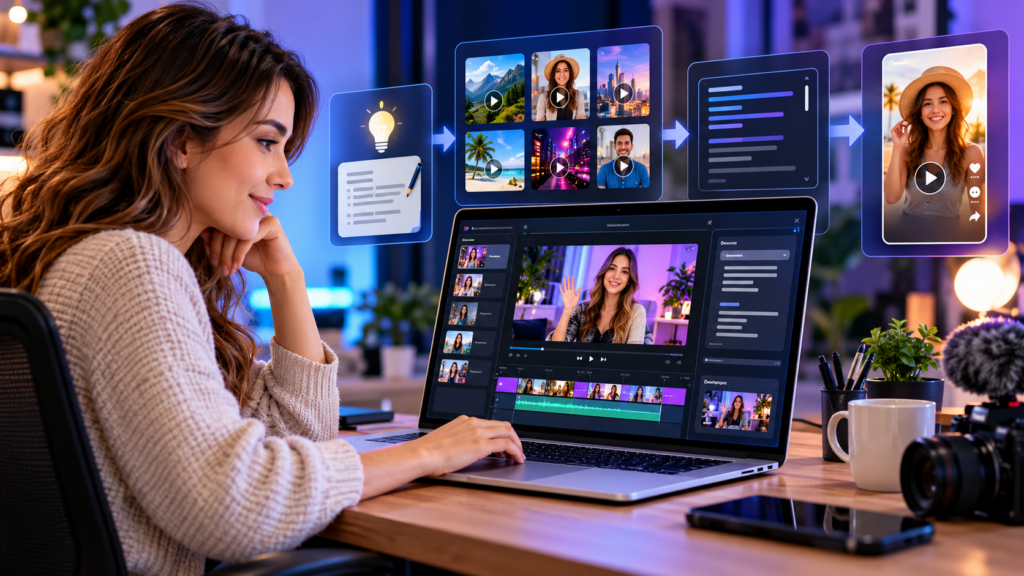 Getting started with ViralForge AI involves choosing a video idea, analyzing a relevant creative reference, generating customized video variations, reviewing the results, and preparing your content for publishing. The platform is designed to help beginners streamline short-form video production without having to plan every creative element from scratch. If you’re ready to explore the software,…
Wednesday, November 4, 2026
Trending
- How Do You Create Animated Video Ads for Facebook and Instagram?
- How Can You Turn Customer Questions Into Animated FAQ Videos?
- How Do You Plan a Consistent Weekly Animated Video Content Calendar?
- How Can You Make Animated Videos for Different Languages and Audiences?
- How Do You Write a Short Cartoon Video Script That Keeps Viewers Watching?